A lot of newbies hear “Stable Diffusion is open source” and just assume it’s free and easy. Then they get slapped in the face by the environment setup, GPU requirements, and plugins. “Open source” just means you can build it yourself, modify it, and grab community models for free—it doesn’t mean it’s plug-and-play.
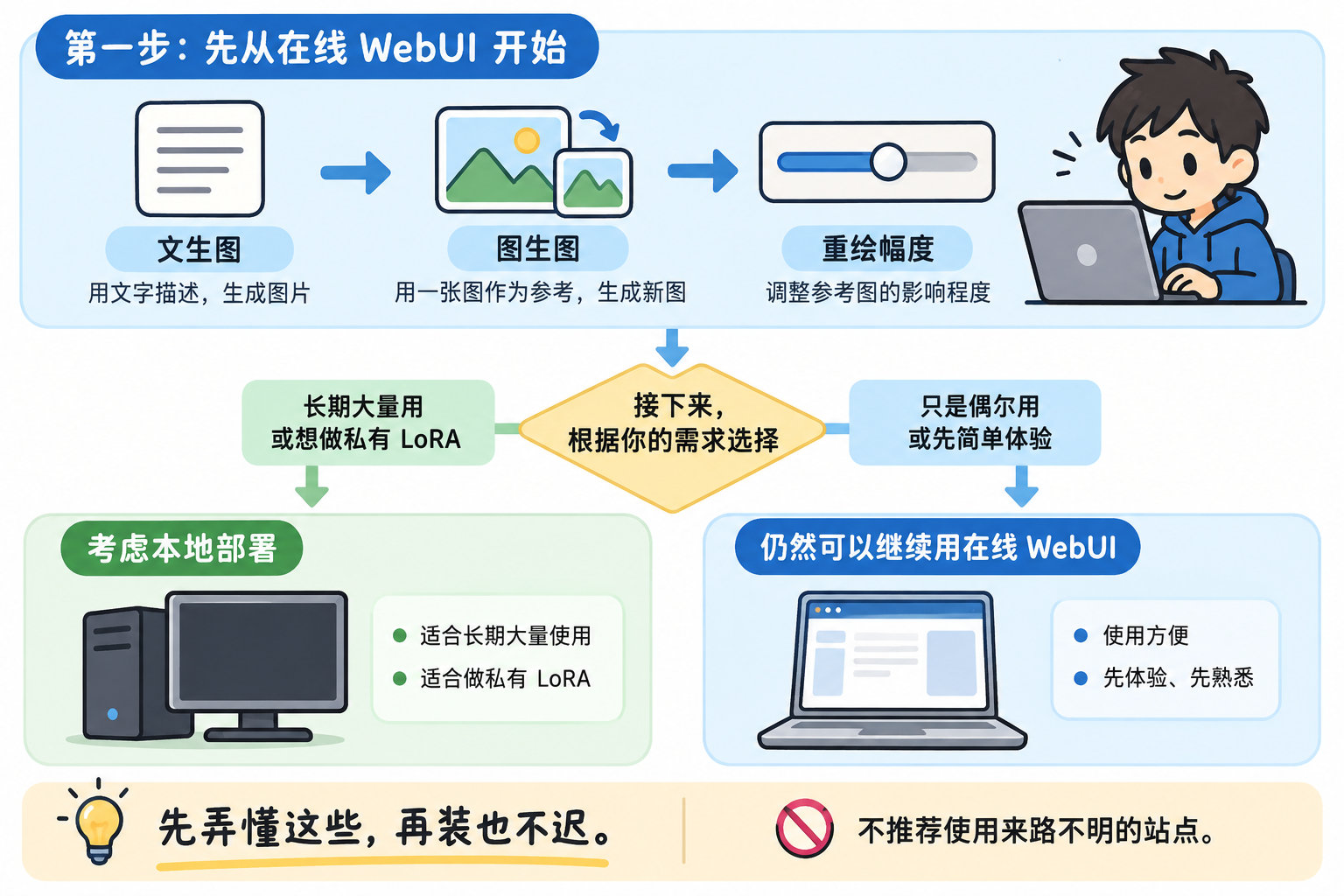
If you really want to get into it, I’d say don’t touch local setup at first. Use an online WebUI to get familiar with the basics: text-to-image, image-to-image, and denoising strength. Learn how positive/negative prompts, samplers, steps, and CFG roughly affect your outputs.
Once you’re sure you want to stick with it long-term, generate a ton of images, and use private LoRAs, then think about going local. By then you’ll also know how much VRAM you actually need. If you get the order wrong, you’ll probably quit right at the environment setup step.
Open source doesn’t mean plug-and-play. I was one of those people who got turned off by the setup and GPU requirements back in the day.
First get a feel for txt2img and img2img with the online WebUI, that’s the right order—don’t jump into installing it locally right away.
The concept of “denoising strength” is the easiest thing for beginners to get confused about—crank it up too high and the whole image changes, turn it down too low and nothing happens.
You gotta figure out how CFG and step count affect things first too. Switching samplers can change the whole vibe of the image.
That’s true, only go local if you’re sure you’re in it for the long haul. Otherwise, half the people give up just setting up the environment.
The order being reversed is such a pain. My friend spent his first day messing with the Qiuye all-in-one pack, and ended up not understanding a single concept.
Private LoRAs are the whole point of running local. Online sites usually won’t let you upload your own trained models.