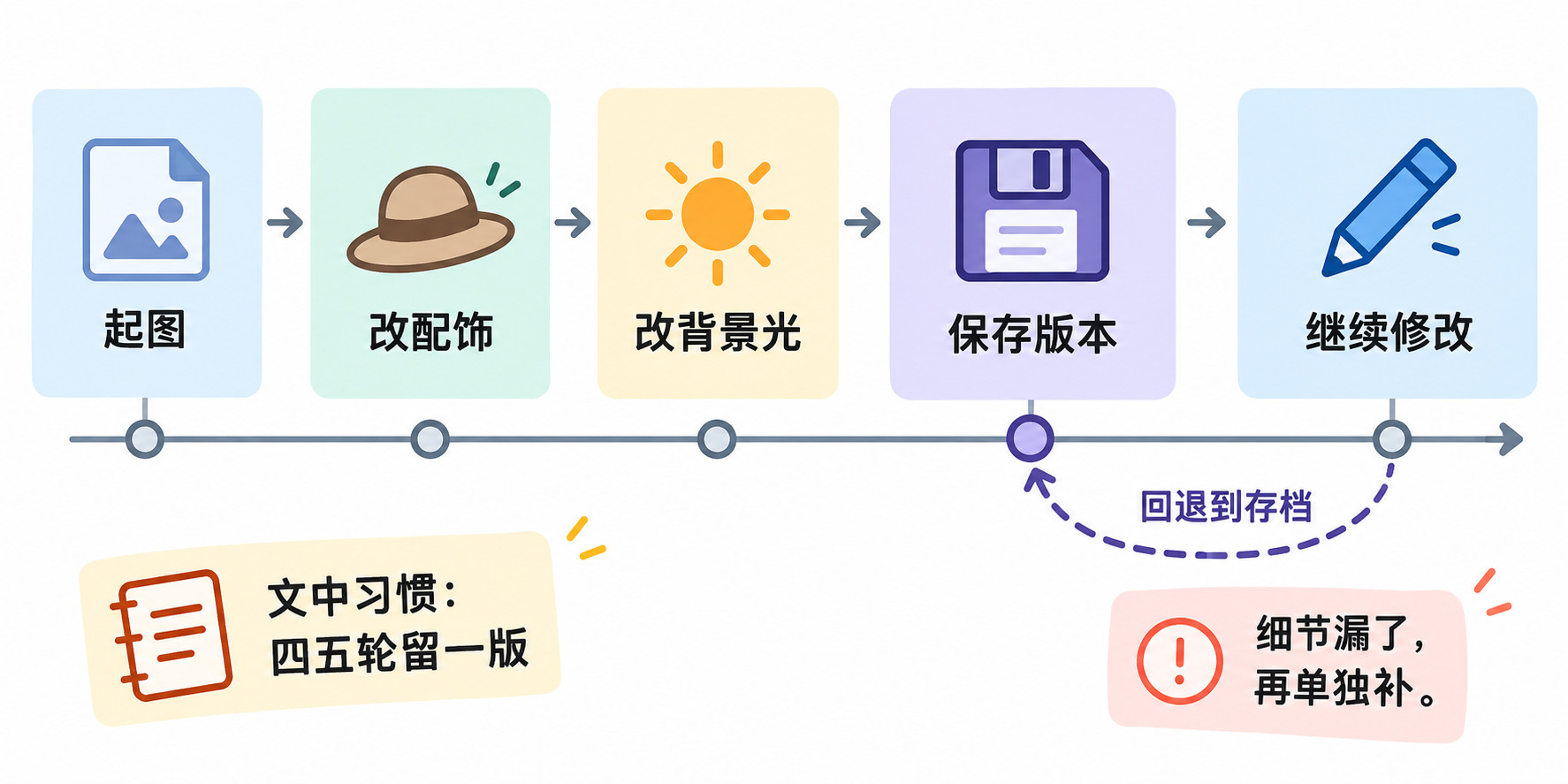
As an e-commerce graphic designer, the worst thing is having to regenerate the entire image just to tweak one tiny detail. Flux Kontext is a total lifesaver for me—you just describe what you want changed in text, and it only modifies that part while leaving everything else pretty much untouched.
Here’s my take on its main features: local editing (only messes with the area you specify), character consistency (face stays stable across multiple edits), style transfer, and multi-round sequential editing. For product detail pages, this is gold—same model, different accessories, add earrings, swap the background lighting—you can do it step by step without starting from scratch every time.
But there’s a catch: after 5-6 rounds of edits, the image quality starts to degrade and you get artifacts. The official docs even admit this, and sometimes it’ll just skip over a detail in your prompt. So now I save a version every 4-5 rounds—don’t go all the way down that road.
Also, don’t crank up the CFG; higher values tend to introduce noise. The default settings are actually cleaner. This is the dev version I’m using, non-commercial license—if you need it for work, you’ll have to look at the Pro tier. The higher the source image quality, the better the output. Feed it a blurry image, and even a god couldn’t save it.