Been organizing my MJ prompt writing into a four-part structure, here are some common pitfalls I keep running into.

My team’s been cranking out a batch of assets lately, so I had to standardize the MJ prompt workflow. The core is just four parts: subject, environment, style, and parameters—keep that order and you’ll get decent results 80% of the time.

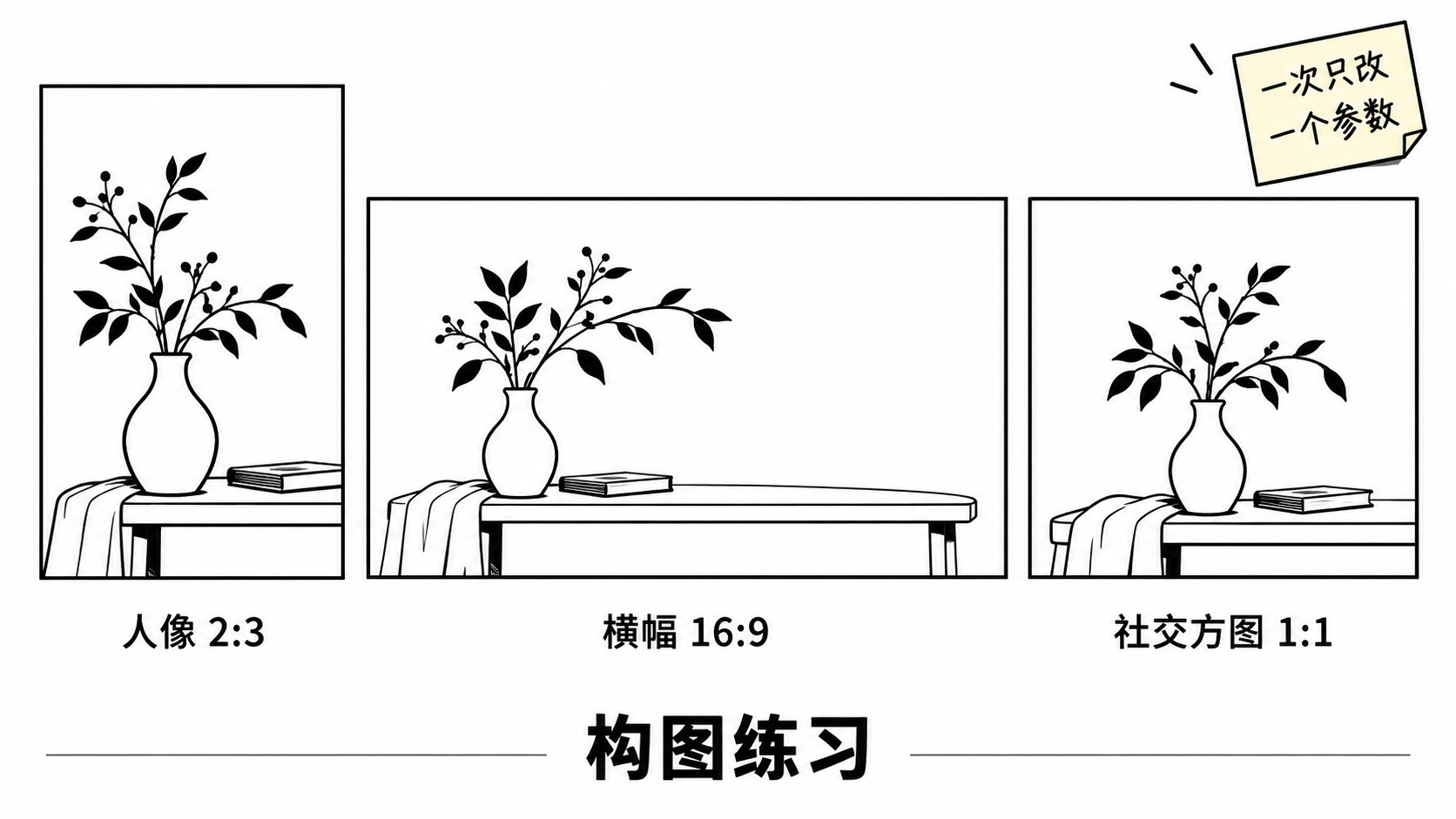
I’ve been obsessing over the parameters the most. Aspect ratios depend on the use case: 2:3 for portraits, 16:9 for landscapes, square for social media. Keep the stylize value low for more literal prompt adherence, crank it up for artistic flair—for realistic stuff, I usually stick around 150. One thing people always overlook: when experimenting, change only one variable at a time. Otherwise, you’ll nail a great image and have no clue which parameter to thank.

Don’t go overboard with artist style references—one or two sets the tone, but three or more and the image turns into a muddy mess. Also, describe what you want, not a laundry list of what you don’t. Save your good prompts, sort them by category, and they’ll become your personal goldmine down the line.

Four-stage workflow is literally the first lesson for beginners.

One variable at a time—learned that the hard way. Used to just mess around with everything for hours.

I usually keep stylize low too, if you crank it up on realistic scenes the faces just fall apart.

Too many artist references stacked together, turns into a mushy mess. +1

Yeah, that tip about sorting prompts into a library is solid. I’ve just been too lazy to organize mine.

Hey, could you share that architectural visualization template?